Describe it.Get pro-grade audio edits.
Twenty-two minutes of raw tape, dead air, music that fights the voice. Watch it become an episode.
You say
Cut the dead air, duck the music under my voice, and render it.
It works
Three stretches of silence gone, in one undoable step.
And the music gets out of the way
Keyed on where the speech is, not on level, so a breath does not trigger it. The result is an ordinary automation curve you can drag.
Rendered.
Every step is a node you can undo, branch, or export as a recipe and run over the next twelve episodes.
Unsigned builds · Mac (universal) · Windows 10/11 · Linux
- 0bytes
- of your audio uploaded
- 6API providers
- plus your ChatGPT plan
- 110tools
- the agent can call
Demo videos
DJ jobs, recorded in the real app.
Screen recordings of the desktop app, each one a DJ job ending in an exported file. See also the AI audio editor for DJs page.
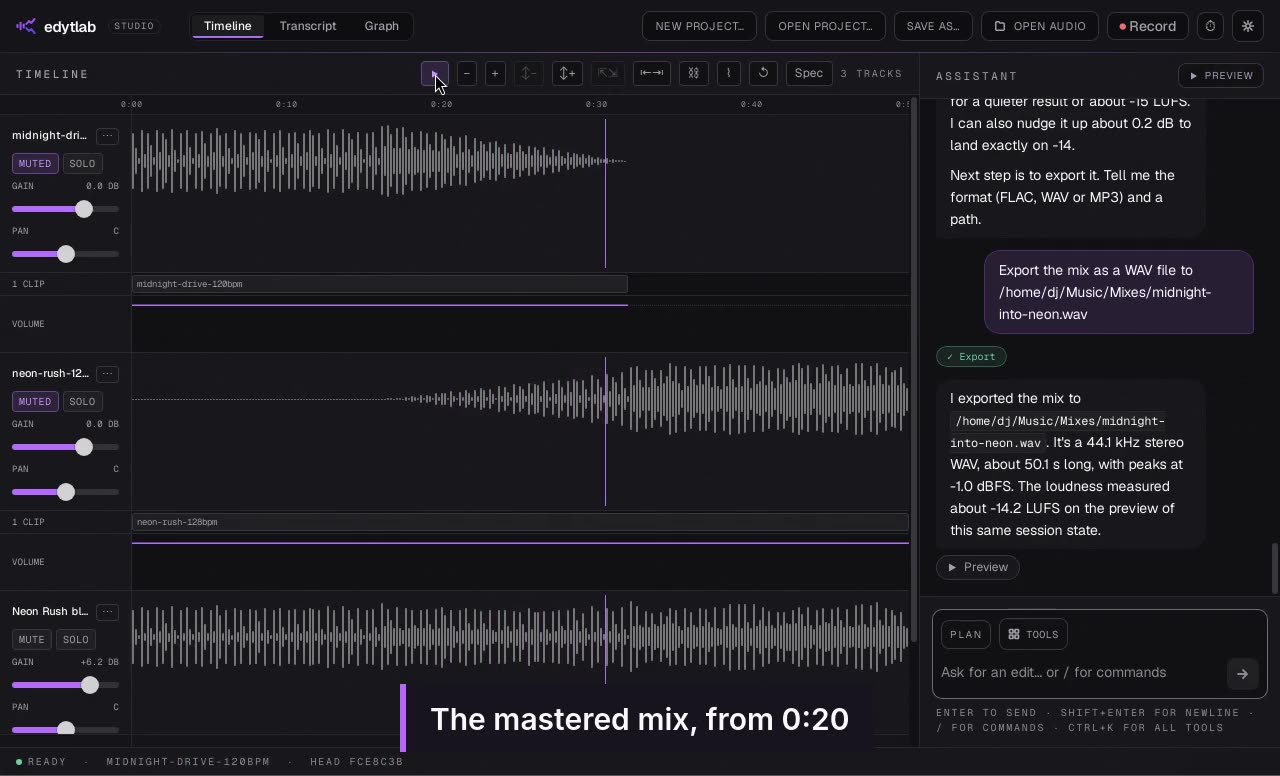
Beatmatch and blend two tracks
Bring two tracks to the same tempo, line up the bars and blend them with a crossfade.
Watch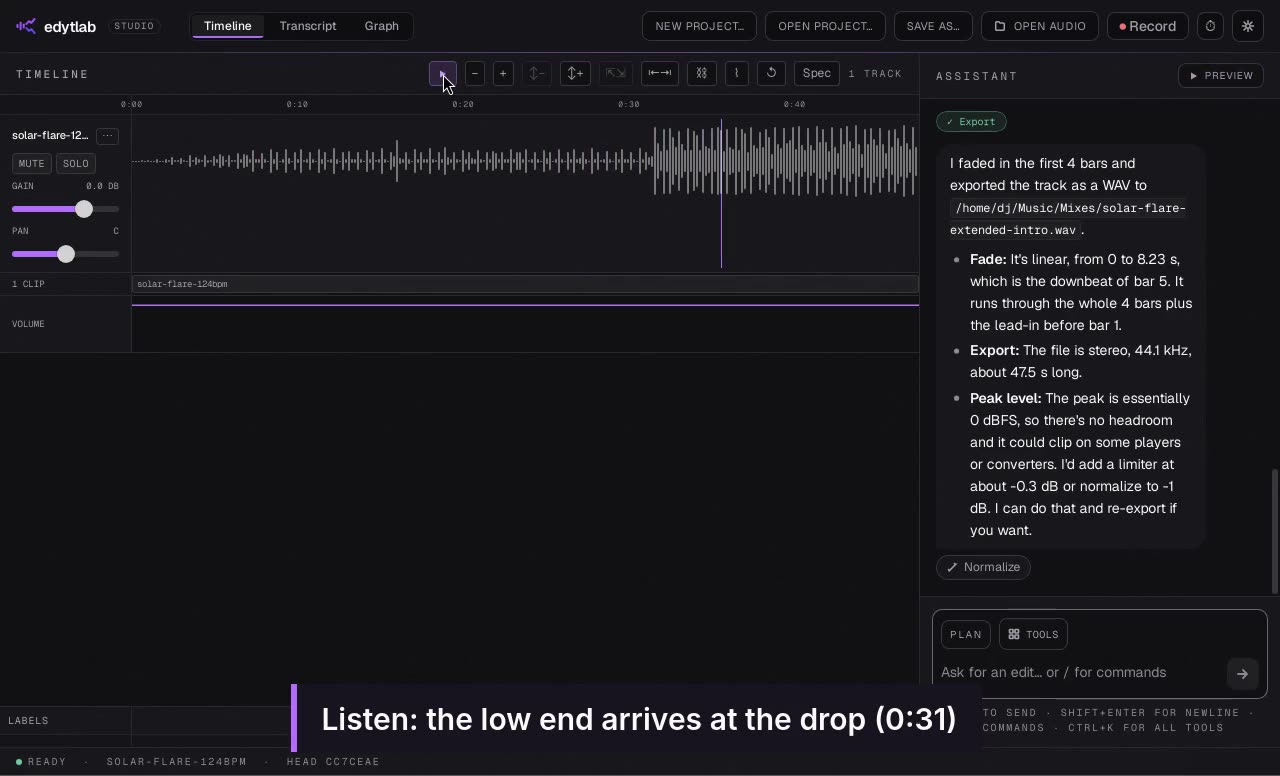
Extend an intro for mixing
Turn an eight-bar intro into a sixteen-bar one and open a filter into the drop.
Watch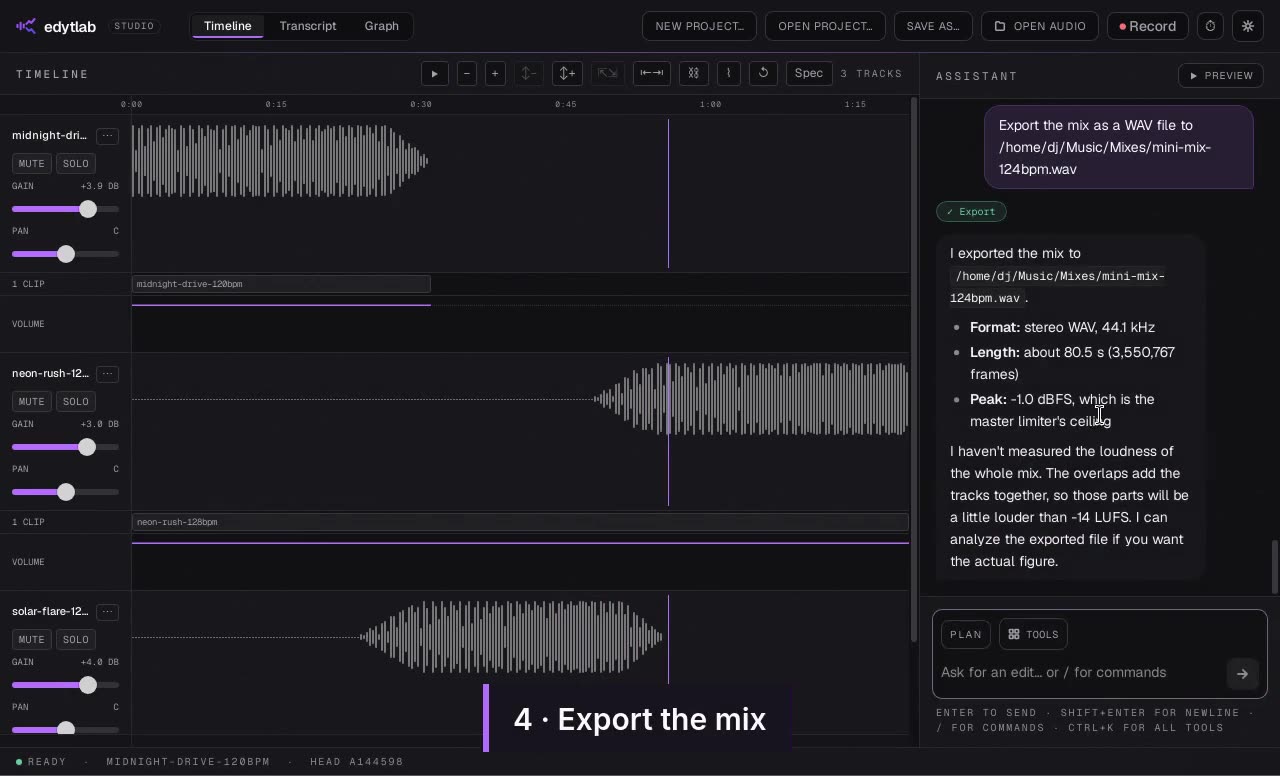
A three-track mini-mix
Match three tracks to one tempo, join them with overlapping crossfades and export the mix.
WatchWhat it does
What edytlab does today.
edytlab is an agent layer over a real audio engine: it plans, runs tools and iterates, in a session you can steer.
| Feature | edytlab | What that means |
|---|---|---|
| Audio stays on your machine Only the chat goes to your provider. | Only the chat goes to your provider. | |
| Natural-language input Describe the edit in chat. | Describe the edit in chat. | |
| Session branching Fork, A/B compare and revert. | Fork, A/B compare and revert. | |
| Bring your own LLM key Six API providers plus your ChatGPT plan. | Six API providers plus your ChatGPT plan. | |
| MCP client Register MCP servers in Settings. | Register MCP servers in Settings. | |
| Stem separation On your computer, after a one-time model download. | On your computer, after a one-time model download. | |
| Transcription and text-based editing On your computer, after a one-time model download. | On your computer, after a one-time model download. |
Beside other tools: AI audio editors compared.
Features
Built for producers who want help — not handcuffs.
The toolbox
Named, not counted.
Ask in plain language and the agent picks the tool. If it is not in the tools reference, the agent cannot do it.
Level
- gain
- normalize
- normalize_loudness
- leveler
- compressor
- limiter
- noise_gate
Tone
- eq
- low_pass_filter
- high_pass_filter
- notch_filter
Repair
- noise_reduction
- click_removal
- de_esser
- vocal_reduction
- truncate_silence
Effects
- reverb
- echo
- distortion
- phaser
- tremolo
- stereo_widener
Effect chains
- add_effect
- set_effect_params
- set_effect_bypassed
- reorder_effects
- remove_effect
Time & pitch
- time_stretch
- pitch_shift
- change_speed
- align_to_beat
Cut & move
- cut_range
- trim
- split_clip
- move_clip
- remove_clip
- time_shift
Copy & fill
- copy_region
- paste_region
- insert_silence
- repeat_selection
Mixing
- set_track_gain
- set_pan
- set_clip_envelope
- mute_track
- solo_track
- create_bus
- set_send
- mix_to_new_track
Analysis
- analyze_track
- storage_report
- plot_spectrum
- silence_finder
- transcribe
History
- fork_node
- compare_nodes
- revert_to
- apply_diff
- name_node
Export
- render_preview
- render_final
- export_multiple
- export_labels
Plus track and format management, generators, markers and labels.
The full tools referenceThe interface
Talk to it — or reach in and move things yourself.
The agent is the fast path, not the only one: faders, curves and clips are directly editable, and every change is an undoable step.
Models
Bring your own key. Switch any time.
Keys live in your OS keychain, and we never proxy your audio or your tokens.
Sonnet & Haiku. Best tool-use quality.
One key, dozens of models. Route by cost or capability.
GPT-class models. Drop-in if your team already has access.
Long context, generous free tier.
Open models at very low latency.
Runs on your own machine. No key, no account; not even the chat leaves the computer. Pick a model trained for tool use.
Use your ChatGPT plan
Sign in with a ChatGPT Plus or Pro plan instead of an API key. Your audio stays on your computer; the chat goes to OpenAI.
 Continue with ChatGPT (how it works)
Preview. Plus and Pro; may not be available on workspace plans. How it works
Frequently asked
From the blog
Workflows you can copy, sentence by sentence.
Stop fighting the DAW. Start describing.
Unsigned builds · Mac (universal) · Windows 10/11 · Linux · First-launch steps